AI Voice Notes
Stop Typing. Start Talking. Save 2 Hours a Day.
Record any patient encounter and get an instant AI-generated clinical summary. Transcription, structured notes, digital signatures, and EMR sync — all from your iPad or iPhone.
How It Works
Select note type
Consultation, Follow-Up, Phone Call, Markings — or create your own custom types.
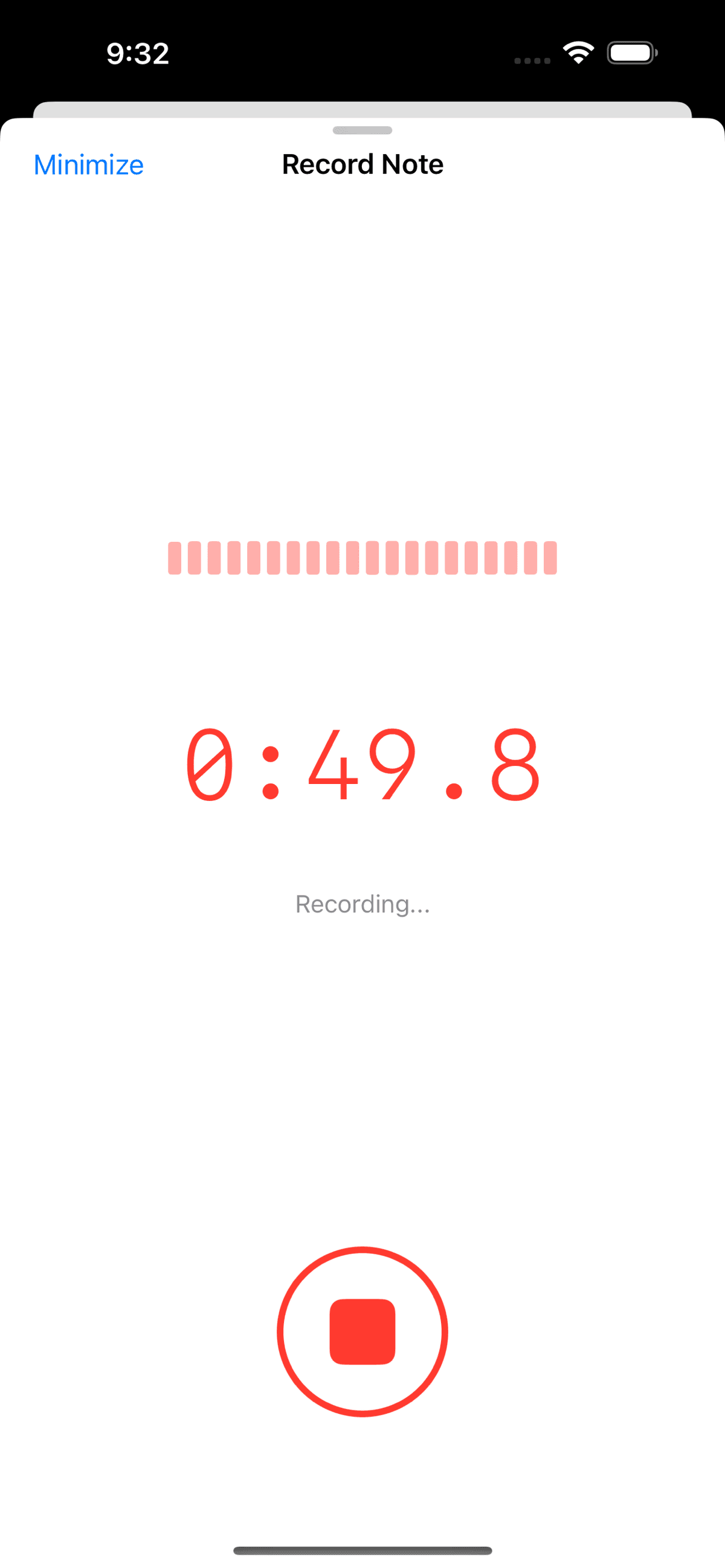
Hit record
Speak naturally during the encounter. Recording runs in the background while you focus on the patient.
Get your summary
AI transcribes the audio and generates a structured clinical summary tailored to the encounter type.
Sign and sync
Review, edit if needed, digitally sign, and export as PDF or sync directly to your EMR.
2 hrs
saved per day
< 5 sec
to generate a summary
100%
same-day note completion
Built for How Surgeons Actually Work
Not a generic transcription app. ClinicOS Voice Notes understands clinical context and adapts to your workflow.
Encounter-Aware Summaries
A consultation note is structured differently from a follow-up or phone call. The AI adapts its output based on the encounter type.
Works Offline
Audio records and stores locally, then syncs when connected. No dropped recordings in areas with poor WiFi.
Custom Note Types
Create custom encounter types for your practice — Pre-Op Review, Insurance Call, whatever you need.
Digital Signatures
Sign notes directly in the app. Signed notes are locked and exportable as signed PDFs. No printing or scanning.
EMR Sync
Notes automatically upload to your EMR. Toggle auto-sync on and documentation flows straight into the patient record.
Edit & Reprocess
Wrong note type? Reprocess as a different encounter type without re-recording. Edit the summary before signing.
Full Transcription
Access the complete word-for-word transcription alongside the AI summary. Download as text or PDF.
Audio Playback
Play back the original recording anytime. The audio is always available if you need to revisit something.
Copy to EMR Fields
Extract structured data from the AI summary and copy directly into your EMR template fields.
Supported Note Types
“I finish my last patient and my notes are already done”
I used to stay an extra hour or two every day catching up on documentation. Now I leave on time. The AI captures details I used to miss — medication dosages, specific patient concerns, follow-up timelines. And because the original audio is always there, I have a complete record if anything needs revisiting.
Dr. Bienstock
Read the full case study →Stop charting. Start seeing patients.
Download ClinicOS free and try Voice Notes on your next encounter. Your first 5 recordings are on us.